

If you have valuable computers or electronic equipment, they must be safely stored. This is because they can be damaged by humidity, temperature extremes, and physical damage.
The best way to store your computers is in a climate-controlled storage unit. This will ensure that they stay in working condition year-round.
The Best Way to Safely Store your Computers
One of the most important things when storing a computer is to cover it well. This is the best way to protect it from damage from dust and moisture.
Ideally, you should wrap your computer in a styrofoam or similar material that will keep dust and debris out. If you can’t find such a material, then the next best thing is to buy a computer case that has a lid.

It’s also important to remember that your computer will be exposed to the elements, especially if you live in an area that experiences heat and humidity. This can lead to problems such as condensation and mold. To avoid these issues, you should look into renting a temperature and humidity-controlled storage unit with a dehumidifier. By following these tips, you should be able to enjoy the long-term health of your computer for many years to come.
Store it in an Airtight Container
Keeping your computer in an airtight container is the best way to safely store it. This is especially true for laptops that are prone to leaks and corrosion.
When you’re storing your laptop, make sure to remove the battery if it’s plugged in and uses a desiccant (like a silica gel packet) to prevent excess moisture from entering the box.
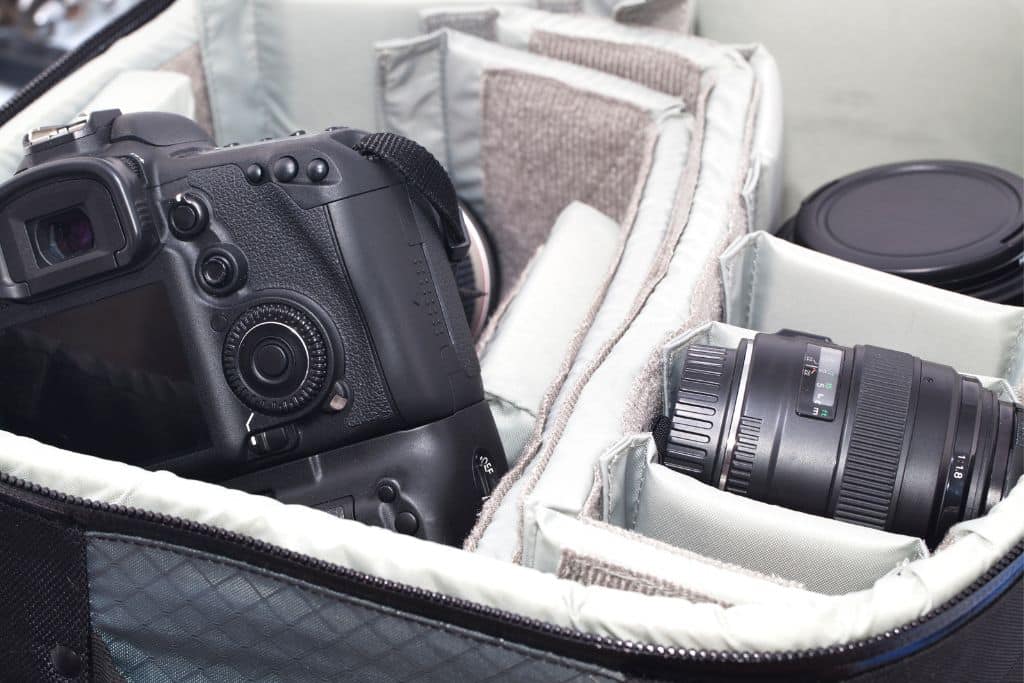
Aside from preventing humidity, an airtight container also prevents heat from damaging the device. This can be a huge problem if you’re keeping your computer in a storage facility that is not climate controlled.
It’s also a good idea to label the components of your device. This will help you find them easily when you need them.
Store it in a Safe Place
The Best Way to Safely Store your Computers
One of the most important things you can do when storing a computer is to protect it from bumps and bruises. A little bit of jostling around can cause severe damage and a laptop that has been knocked over a few times is not going to be in good health.
The best way to do this is to pack it carefully. This involves dismantling the machine, using anti-static bags, and packing it into a box a little bit bigger than it.

It’s also a good idea to back up the most important files before you put them in storage, as this can save you from losing everything if you lose your machine. The most important data should be saved on an external drive. This is the best way to keep your information secure when you’re not able to use it. The rest of the equipment can be stored in a non-visible area, such as under a sofa or in your car’s trunk.
Store it in an Anti-Static Bag
If you’re moving and need to protect your computer’s motherboard, you can easily store it in an anti-static bag. These bags are specially made to prevent static electricity from interacting with sensitive electronic products, such as computers and laptops.
They have a lot of layers that create a Faraday cage or shield to protect the motherboard from damage, including moisture and UV light. They are also able to keep static charges from building up inside the bag and on the items placed inside it.

These anti-static bags are made of a form of polyethylene plastic with dissipative coatings that help prevent the buildup of static electricity on its surface. They can be tinted in a variety of colors, such as pink or blue, and they are often used to ship or store sensitive electronic components.
Storing your computer properly is essential to ensure its longevity and prevent damage. But even with the best storage practices, your computer may encounter issues that require troubleshooting. From slow performance to hardware malfunctions, our article on Computer Troubleshooting – Common Problems can help you diagnose and fix common computer issues. Additionally, by following the best practices outlined in our guide on The Best Way to Safely Store Your Computers, you can protect your device from damage and ensure it stays in good working condition for years to come.